Published 07/22/26
Technically, you’re able to block a private the same way you block any number.
It just doesn’t fully help the problem when scammers decide to call from a new private number every time. However, it’s definitely a good first step.
Then, a carrier-level spam filter would be helpful for catching more of the unwanted calls. See how to do this on iPhone and Android below.
Can you actually block a "Private Number" or "No Caller ID" call?
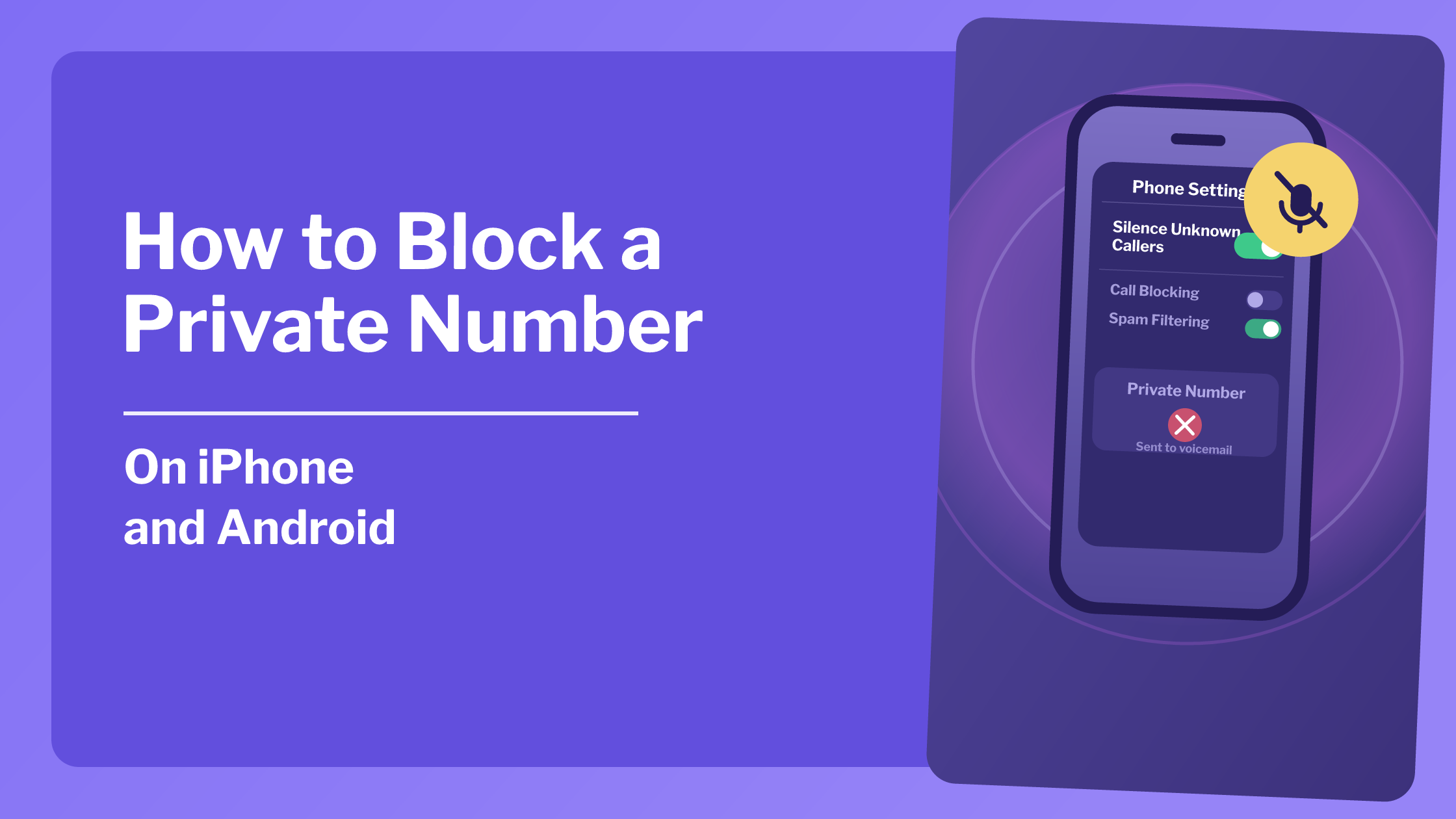
Yes. Instead of blocking a specific line, though, you’re really blocking a label. Your phone lets you turn on "Silence Unknown Callers" or an equivalent setting, which routes anything without caller ID straight to voicemail. That way you don’t have to deal with the ringing you don’t want, no matter how many new numbers they get.
How to block private numbers on iPhone
Open Settings, then scroll to Phone.
Tap Silence Unknown Callers and turn it on.
Calls from numbers not in your contacts, including blocked and private ones, go straight to voicemail.
How to block private numbers on Android
(The exact menu varies a bit by manufacturer, but the general path should be something like this.)
Open your Phone app and tap the three-dot menu or Settings.
Look for Blocked numbers or Caller ID and spam.
Turn on the option to block calls from private or unknown numbers, sometimes labeled "Unknown callers" or "Numbers not in Contacts."
Will blocking stop the calls completely?
Not entirely, no.
Silencing unknown callers stops your phone from ringing, but can’t completely stop the calls from coming at all. It will still show up in your recents list, which may be what you’re looking for, so that you won’t lose the info in case it was important.
If the goal is fewer calls overall rather than just a quieter phone, carrier-level spam filtering catches more before it reaches your device. That post also gets into why a single block doesn’t always stop a determined spam operation.
What about apps that claim to block private numbers?
There are plenty of those, and results vary between them.
Third-party call-blocking apps typically work by checking incoming numbers against a shared spam database. This helps for labeled spam calls but not for a blank ‘Private Number,’ since there’s no number for the app to check against anything.
Also, if you’re thinking to download one of those apps, read what permissions it asks for. Sometimes they want full access to your contact list, which is more than it actually needs for the feature.
Should you register with the Do Not Call Registry too?
It's worth doing alongside whatever blocking you set up, though it solves a different problem.
The National Do Not Call Registry stops legitimate telemarketers from legally calling you. The calls it doesn’t stop are the scammers who are avoiding the law to begin with… But at least clearing out the lawful ones makes less clutter to deal with.
What silencing unknown callers can't tell you
Be aware, silencing or blocking a private number stops the ring, and that’s great. As we said before, it doesn’t stop the call and it doesn't either tell you who was calling.
If someone with a real reason to reach you, like a doctor's office calling from a blocked line, gets routed straight to voicemail, you might not notice until later.
That's the point iCaughtYou can help with. Instead of just muting the unknown call, it works on the number to get you an actual name for who’s calling. Then you can decide whether a callback is worth it.
Bottom line
Blocking a private number is a real setting, not a myth, and it's definitely worth turning on. Just don't expect it to make the calls stop arriving altogether.
Pair it with your carrier's spam filtering and the Do Not Call Registry for bigger impact. And there is an option for a way to find out who's calling when silence isn’t enough!
If you're curious why calls show up unlabeled in the first place, why do some calls show up as No Caller ID explains where that comes from.