Published 07/21/26
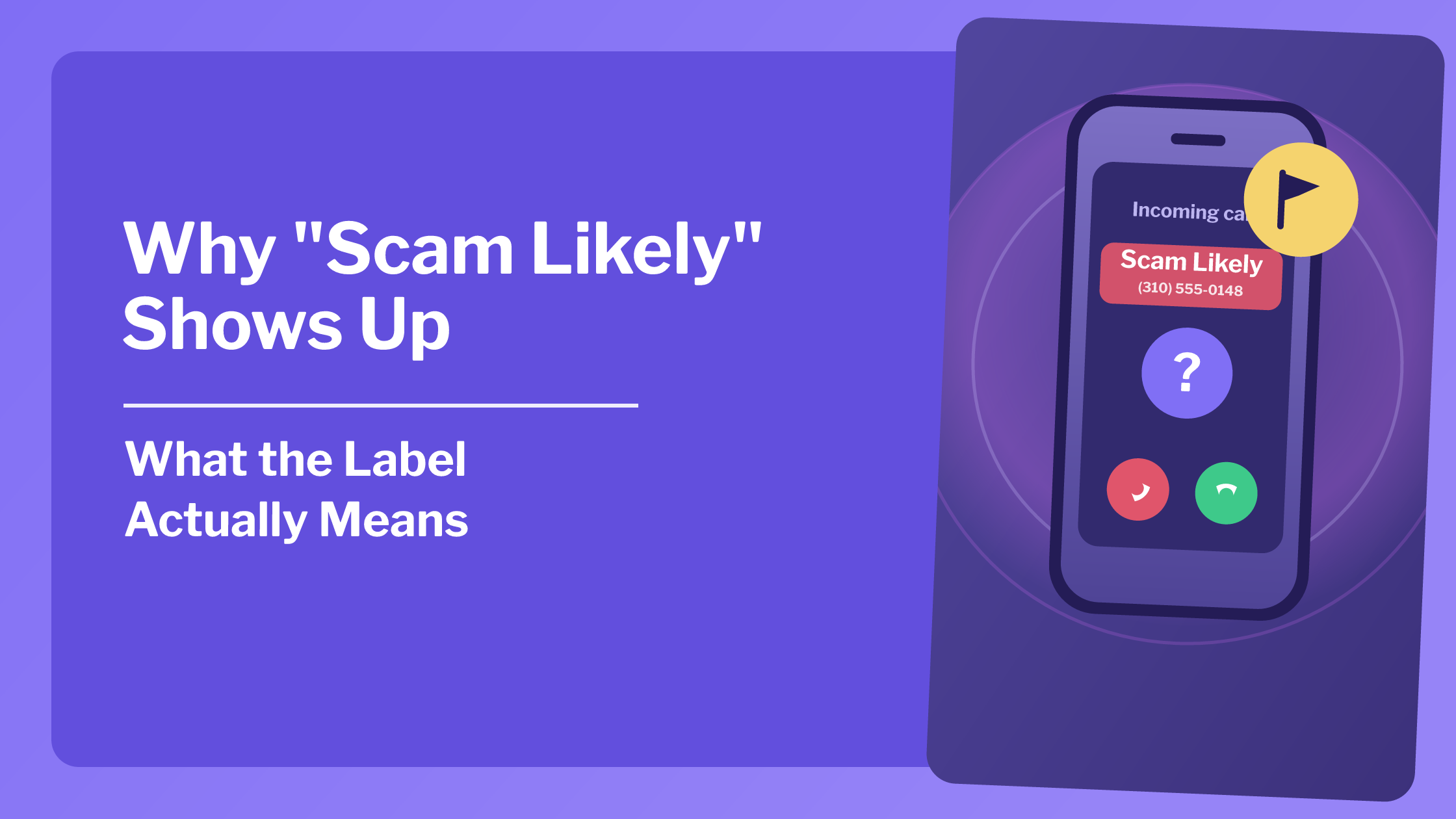
"Scam Likely" is a label your carrier adds automatically when a call matches patterns associated with fraud.
It comes from your phone carrier's spam-filtering system, and it's often right. But it’s not foolproof, and sometimes flags real businesses or real people.
It’s kinda like an educated guess.
Where does the "Scam Likely" label come from?
Major US carriers run every incoming call through an automated filter before it reaches you.
That filter checks the number against a few signals: known scam number databases, unusual calling volume, patterns that look like spoofing, and reports from other customers. If enough boxes get checked, the call gets flagged.
The label usually comes from your actual carrier's network, not an app you installed. T-Mobile, AT&T, and Verizon all run some version of this, sometimes under a different name like "Spam Risk."
Is "Scam Likely" always accurate?
Not always, but close.
The filter is a statistical guess built on patterns. There are instances where a legitimate call can flag the same flags as an actual scammer. For example, a small business calling from a new number, or even a family member on an unfamiliar line.
It happens often enough that plenty of people have missed real calls because of this label causing issues.
And the opposite can happen too. Like a genuine scammer using a fresh, unflagged number who sails through with no warning at all.
Should you answer a "Scam Likely" call?
It depends on what you're expecting.
If you're not waiting on anything important, letting it go to voicemail is the safest. A real caller with a real reason will usually leave a message.
If you are expecting a call from an unfamiliar number, (maybe a delivery driver or a callback from a random business) it might be worth it to ignore the flag and answer..
How to turn off "Scam Likely" labeling
If the label is bothering you, most carriers let you adjust or disable it.
Check your carrier's app. T-Mobile's Scam Shield, AT&T's Call Protect, and Verizon's Call Filter all have settings for how aggressively they flag calls. Some will let you turn labeling off entirely.
Adjust the sensitivity. Some apps let you choose between blocking, labeling, or ignoring suspected spam. Might be worth trying the middle ground before disabling everything.
Check your phone's own settings too. iPhone and Android both have separate call-filtering options layered on top of whatever your carrier does, so the label you're seeing might be coming from there also.
Know that turning it off doesn't turn off the calls. Disabling the label stops your phone from telling you about the pattern, but the actual spam calls keep coming.
What "Scam Likely" can't tell you
This label does have its limits. It tells you the call matched a pattern, but it doesn't tell you who's on the other end.
A "Scam Likely" tag still comes with the same problem as a regular unknown number, in that you don’t really have real information about who’s calling.
That's a different question than whether the call is dangerous, and it's the one iCaughtYou is built to answer. It works on the number and finds the name behind it. Then you can decide if you want to answer based on who is actually calling.
If you want to understand the broader picture of what these labels are trying to filter out, check out who's really selling your phone number. It covers how numbers end up on scam lists in the first place.
And if a "Scam Likely" call is actually a spoofed number rather than a real scammer, caller ID spoofing explained explains that distinction.
Bottom line
"Scam Likely" is your carrier's best guess, built from patterns that are usually (but not always) right.
Trust it as a signal, as opposed to a verdict. Let the ones you don't recognize go to voicemail.
If you ever do answer and something feels off, especially if money comes up, hang up and contact your bank directly, then report it to the FTC at reportfraud.ftc.gov.